
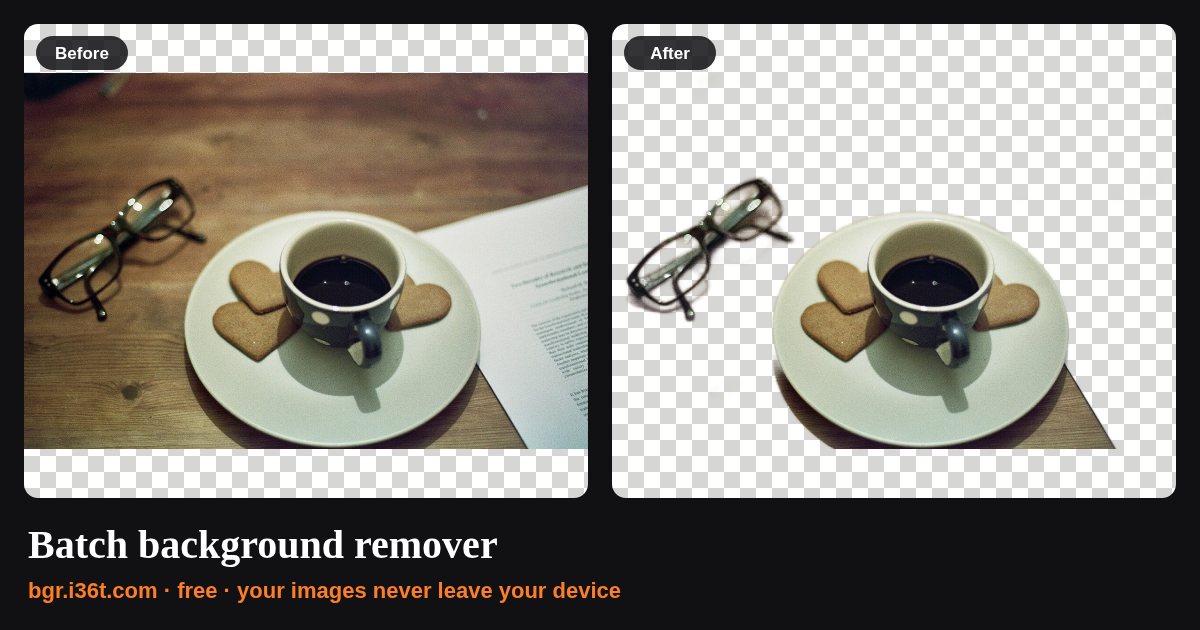
How to use the batch background remover
- Select or drop several images at once.
- Watch the strip below the editor as each one is finished.
- Set background, size and format once; they apply to all.
- Click any thumbnail to fix it, then choose “Download all (ZIP)”.
What people use it for
- A season's product catalogue
- Team photos for a company directory
- Event and school pictures
- Preparing assets for a presentation
Tips for a clean result
- Use Fast for large batches; run only the difficult pictures again with Best.
- Keep the tab open and in front: browsers slow down hidden tabs.
- Very large photos use a lot of memory; on a phone, work in smaller groups.
Which option to choose
| Option | Best for | Watch out for |
|---|---|---|
| Fast quality | Many images with clear subjects | Rougher hair and thin parts |
| Best quality | A smaller set that matters | Slower, especially without a GPU |
| Same preset size | A tidy, uniform catalogue | Check tall and wide items |
Private by design
Background Remover does its work inside your browser. Your pictures are not uploaded, stored or seen by us. We record anonymous usage such as which tool was used and the export format. Read the privacy details.
Frequently asked questions
Is there a limit?
50 images per session. The practical limit is your device's memory and speed.
Are the files uploaded to a server?
No. Every image is processed in your browser.
Can I edit one picture differently?
Yes. Brush, wand and method changes affect only the selected image. Background, size and edge settings are shared.
More free tools
Remove background
- Background Remover
- Remove white background
- Transparent PNG maker
- Remove background from logo
- Signature background remover
- Product photo background remover
- Change background color
- Blur photo background
- Passport photo background
- Remove green screen
- Profile picture background remover