
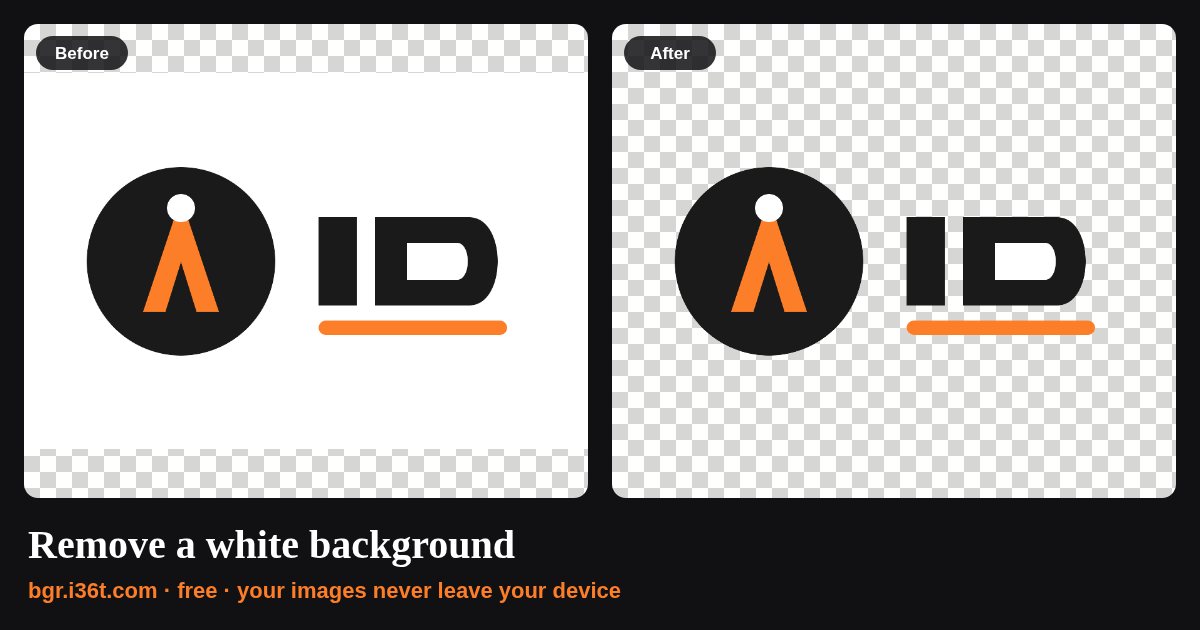
How to use the remove white background
- Add a picture with a white or plain background.
- The border color is detected and removed.
- Raise tolerance if a pale rim remains; lower it if parts of the subject disappear.
- Turn off “only touching the edge” to clear white trapped inside letters or loops.
What people use it for
- Placing a logo on a colored slide
- Cleaning a scanned drawing or stamp
- Reusing clip art on any color
- Turning a white-background product shot into a cut-out
Tips for a clean result
- JPG files often have faint noise in the white. A tolerance of 15 to 30 usually clears it.
- If your subject is white too, keep “only touching the edge” on so its interior is protected.
- Edge decontamination removes the pale fringe left on dark backgrounds.
Which option to choose
| Option | Best for | Watch out for |
|---|---|---|
| Only touching the edge | White subjects or highlights inside the object | Holes inside letters stay white |
| All matching pixels | Line art, text and logos with loops | Also removes white parts of the subject |
| Automatic AI | Photos where the white is shadowed or uneven | Softer corners on flat graphics |
Private by design
Background Remover does its work inside your browser. Your pictures are not uploaded, stored or seen by us. We record anonymous usage such as which tool was used and the export format. Read the privacy details.
Frequently asked questions
How do I make a white background transparent?
Add the image here and it happens automatically. Download as PNG or WebP, which can store transparency; JPG cannot.
Can it remove a color other than white?
Yes. The tool reads the color along the border, or you can click any color in the picture.
Why is there a thin white outline left?
Those are blended edge pixels. Raise the tolerance a little, or use Shrink edge in the Cut out tab.
More free tools
Remove background
- Background Remover
- Transparent PNG maker
- Remove background from logo
- Signature background remover
- Product photo background remover
- Change background color
- Blur photo background
- Passport photo background
- Remove green screen
- Batch background remover
- Profile picture background remover