
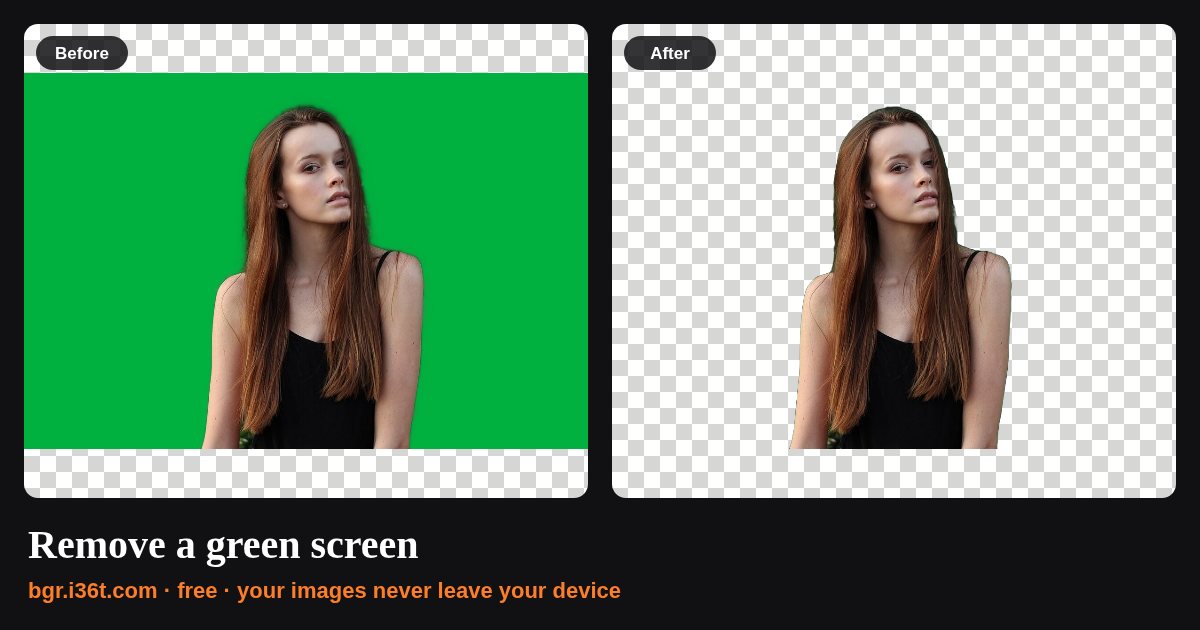
How to use the remove green screen
- Add a photo shot against green or blue.
- The green preset is applied. For another shade, use “Pick color” and click the screen.
- Raise tolerance until the screen is gone, then add softness for gentle edges.
- Raise spill removal to take the green tint off the subject, and choose a new background.
What people use it for
- Studio portraits and event photo booths
- Streaming overlays and thumbnails
- Product shots on a chroma backdrop
- School projects
Tips for a clean result
- Light the screen evenly and keep the subject a step away from it.
- Avoid clothing close to the screen color.
- If parts of the screen are in deep shadow, remove the rest with the wand or erase brush.
Which option to choose
| Option | Best for | Watch out for |
|---|---|---|
| Green preset | Standard green screens | Green clothing disappears |
| Blue preset | Blond hair or green subjects | Blue clothing disappears |
| Automatic AI | Wrinkled or badly lit screens | Less precise on fine hair |
Private by design
Background Remover does its work inside your browser. Your pictures are not uploaded, stored or seen by us. We record anonymous usage such as which tool was used and the export format. Read the privacy details.
Frequently asked questions
Can I remove a color other than green?
Yes. Click “Pick color” and then click any color in the picture.
What is spill?
Colored light bouncing from the screen onto the subject. Spill removal reduces that cast.
Does it work on video?
No, still images only.
More free tools
Remove background
- Background Remover
- Remove white background
- Transparent PNG maker
- Remove background from logo
- Signature background remover
- Product photo background remover
- Change background color
- Blur photo background
- Passport photo background
- Batch background remover
- Profile picture background remover