
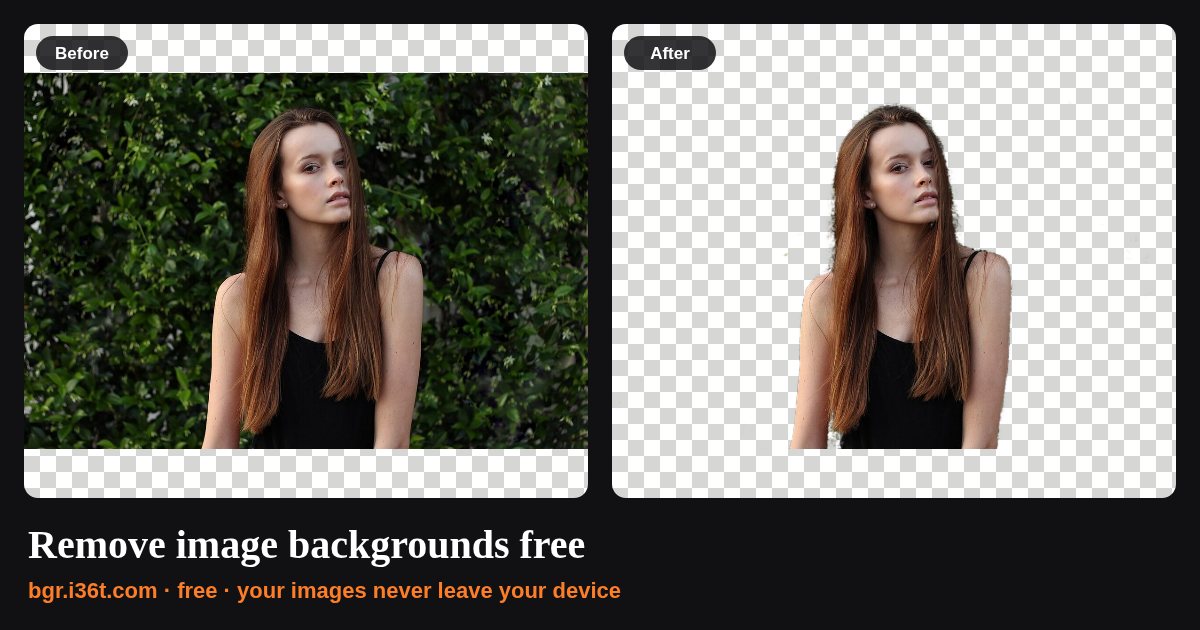
How to remove the background from a photo
- Add a photo: drag it in, choose a file, paste with Ctrl+V or use your phone camera.
- Wait for the automatic cut. The AI model downloads once, then your browser keeps it.
- Fix anything the AI missed with the erase, restore, wand or smart brush tools.
- Pick a background, size and format, then download.
What people use it for
- Product photos for an online shop
- Profile pictures and staff directories
- Slides, flyers and social posts
- Stickers and cut-outs of pets, people and cars
Tips for a clean result
- Start with Fast. Switch to Best if hair or thin parts look rough.
- A subject that stands out from its background gives a cleaner edge than any setting can.
- For logos and drawings, use the color tools: they keep sharp corners sharper than an AI cut.
Which option to choose
| Option | Best for | Watch out for |
|---|---|---|
| Automatic AI | Photos of people, products, animals and cars | Glass, smoke and very fine fur are hard |
| Remove white / solid color | Logos, scans, studio shots | Needs an even background |
| Color picker (chroma key) | Green or blue screen | The subject must not share the color |
| Brushes, wand and lasso | Fixing details by hand | Takes more time |
Private by design
Background Remover does its work inside your browser. Your pictures are not uploaded, stored or seen by us. We record anonymous usage such as which tool was used and the export format. Read the privacy details.
Frequently asked questions
Is the background remover really free?
Yes. Full-resolution download, no watermark, no account and no credits. The work is done by your own device, which is why it can be free.
Are my photos uploaded?
No. Your images never leave your device. The page downloads the AI model to your browser and processes the picture there.
Why is the first picture slower?
The AI model downloads the first time (about 5 MB for Fast, 44 MB for Best) and is then kept in your browser.
What is the largest image I can use?
Up to 25 megapixels (16 on iPhone and iPad). Larger photos are scaled down to the limit and you are told when that happens.
Which files can I open?
JPG, PNG, WebP, GIF (first frame), BMP and HEIC photos from iPhones.
More free tools
Remove background
- Remove white background
- Transparent PNG maker
- Remove background from logo
- Signature background remover
- Product photo background remover
- Change background color
- Blur photo background
- Passport photo background
- Remove green screen
- Batch background remover
- Profile picture background remover