
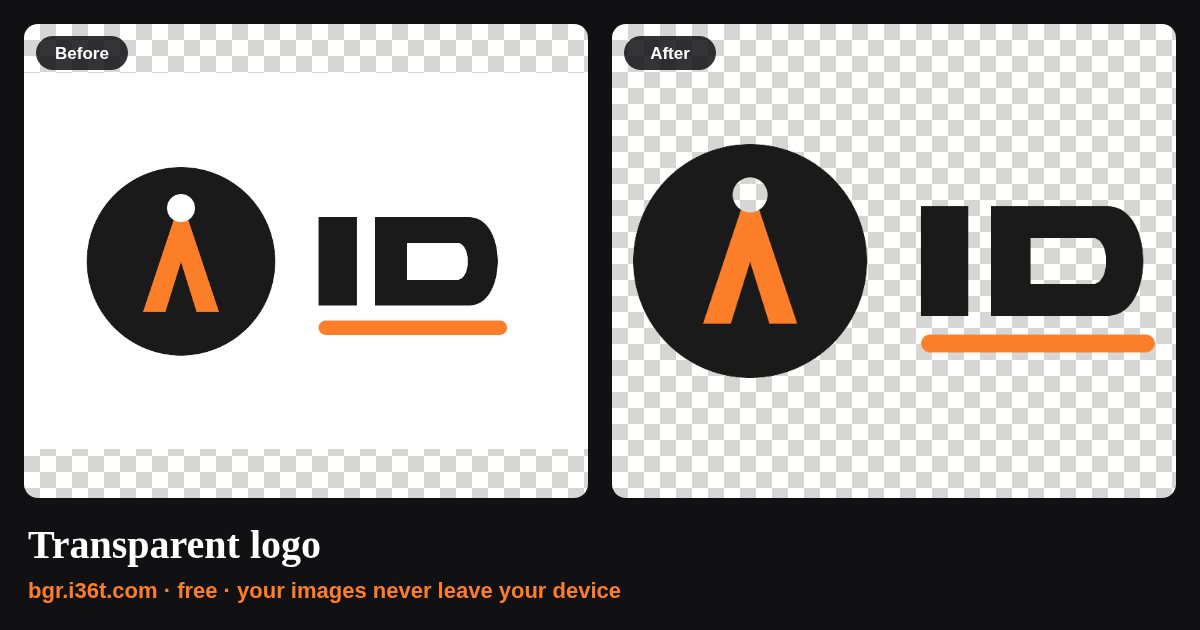
How to use the remove background from logo
- Add the logo file you have, even a screenshot.
- The background color is removed everywhere, including inside letters.
- If part of the logo vanishes, switch on “only touching the edge” and use the wand for the remaining holes.
- Add an outline if the logo must sit on photos, then export PNG.
What people use it for
- Email signatures and letterheads
- Website headers on colored backgrounds
- Presentation templates
- Print files for shirts and signs
Tips for a clean result
- Use the largest version of the logo you can find; enlarging a tiny one cannot add detail.
- A white outline keeps a dark logo readable on dark backgrounds.
- If you have the original vector file (SVG, AI, PDF), use that instead of a cut-out.
Which option to choose
| Option | Best for | Watch out for |
|---|---|---|
| Color removal (default here) | Flat colors and sharp type | Gradient backgrounds |
| Magic wand | Removing one shape at a time | Many small holes take many clicks |
| Automatic AI | A logo photographed on an object | Thin lettering can be lost |
Private by design
Background Remover does its work inside your browser. Your pictures are not uploaded, stored or seen by us. We record anonymous usage such as which tool was used and the export format. Read the privacy details.
Need icons to go with the logo? icons36T has thousands of free animated icons you can recolor to match your brand.
Frequently asked questions
How do I make my logo transparent?
Add it here, check the result on the checkerboard, and download as PNG.
Can I make the logo background a different color?
Yes. Open the Background tab and pick any solid color or gradient.
Will it become a vector file?
No. The result is a PNG or WebP image. Converting to vector is a different process called tracing.
More free tools
Remove background
- Background Remover
- Remove white background
- Transparent PNG maker
- Signature background remover
- Product photo background remover
- Change background color
- Blur photo background
- Passport photo background
- Remove green screen
- Batch background remover
- Profile picture background remover