
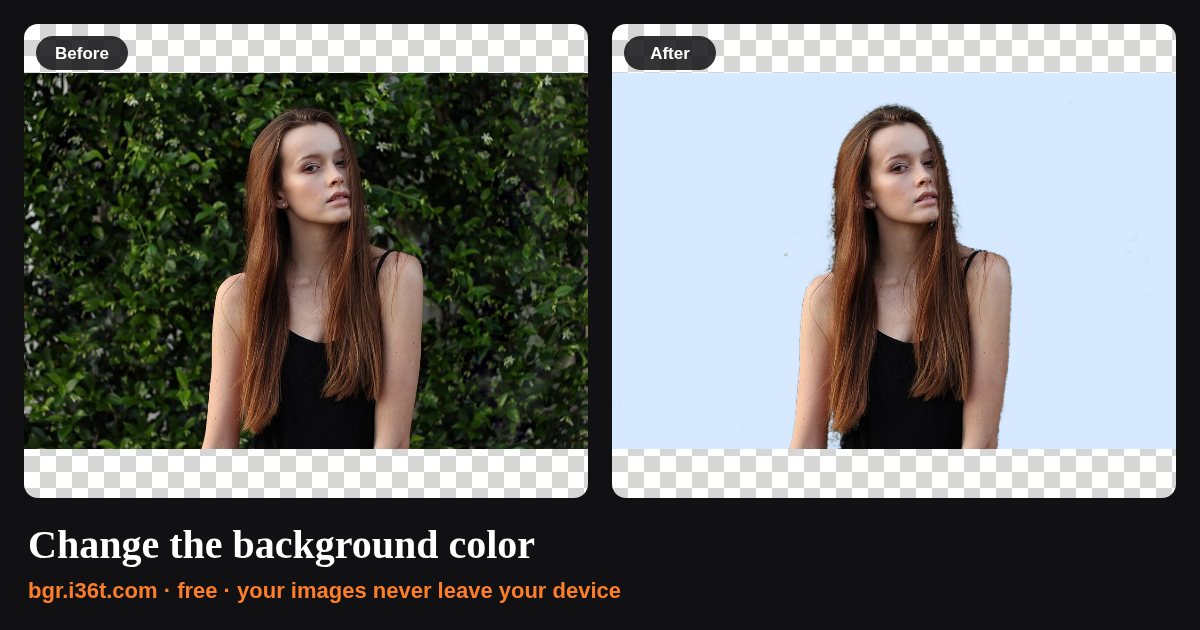
How to use the change background color
- Add your photo.
- The subject is cut out and placed on white.
- In Background, pick a preset color, choose your own, or switch to a gradient.
- Download as JPG for a smaller file or PNG for maximum quality.
What people use it for
- Résumé and staff photos
- School and club ID pictures
- Matching a brand color in marketing
- Seasonal versions of one product shot
Tips for a clean result
- Colors close to the old background hide small edge flaws best.
- Increase decontamination if the old color shows as a tint around hair.
- Add a gentle shadow so the subject does not look pasted on.
Which option to choose
| Option | Best for | Watch out for |
|---|---|---|
| Solid color | ID, catalogue and documents | Can look flat |
| Gradient | Social posts and posters | Choose two related colors |
| Studio preset | Natural-looking portraits and products | Match the light direction |
Private by design
Background Remover does its work inside your browser. Your pictures are not uploaded, stored or seen by us. We record anonymous usage such as which tool was used and the export format. Read the privacy details.
Frequently asked questions
How do I add a white background to a photo?
Add the photo here: white is applied automatically. Download as JPG.
Can I use my company's exact color?
Yes. Use the color picker and enter the value.
Can I use another photo as the background?
Yes. In Background choose “Your image” and pick a file.
More free tools
Remove background
- Background Remover
- Remove white background
- Transparent PNG maker
- Remove background from logo
- Signature background remover
- Product photo background remover
- Blur photo background
- Passport photo background
- Remove green screen
- Batch background remover
- Profile picture background remover