
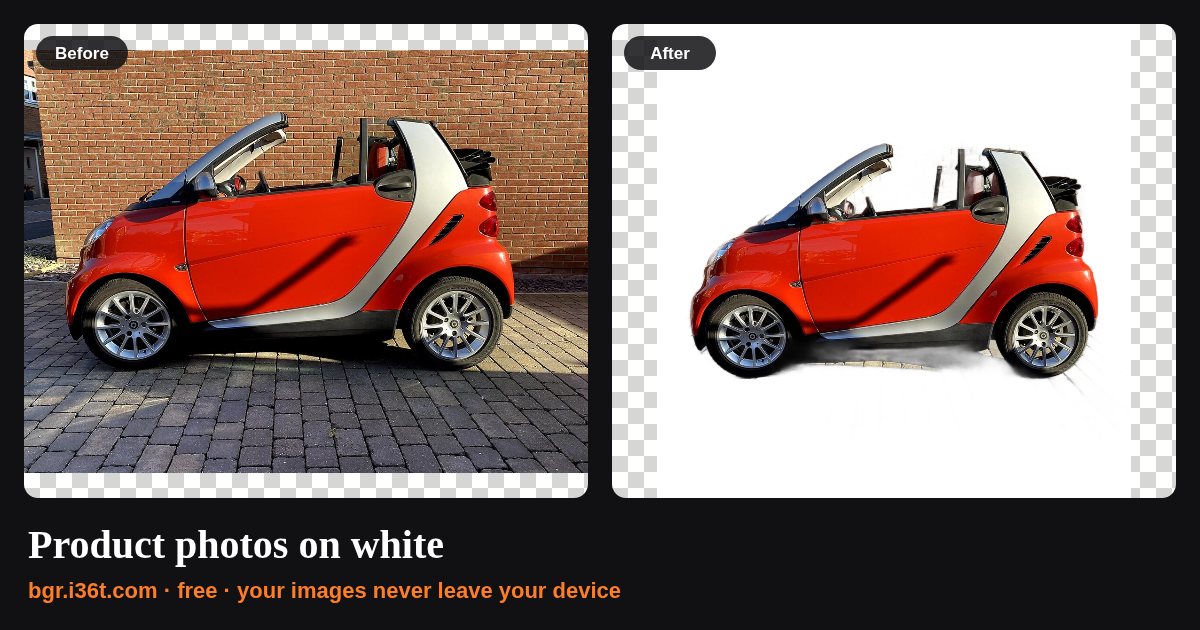
How to use the product photo background remover
- Add one product photo or many.
- Each is cut out and centred on a white square.
- In Size, pick the marketplace preset and set how much of the frame the product fills.
- Add a soft drop shadow if you like, then download one file or all as a ZIP.
What people use it for
- Marketplace main images
- Catalogues and price lists
- Wholesale order sheets
- Consistent thumbnails across a shop
Tips for a clean result
- Amazon asks for a pure white (255, 255, 255) main image with the product filling about 85% of the frame, so a padding near 7% fits.
- Shoot on a plain surface with soft light from two sides.
- Check each marketplace's current image rules before listing.
Which option to choose
| Option | Best for | Watch out for |
|---|---|---|
| Amazon 2000 × 2000 | Zoom-ready main images | Keep props and text out of the main image |
| Shopify 2048 × 2048 | Square product grids | Use the same padding on every product |
| eBay 1600 × 1600 | Listing galleries | No added borders |
Private by design
Background Remover does its work inside your browser. Your pictures are not uploaded, stored or seen by us. We record anonymous usage such as which tool was used and the export format. Read the privacy details.
Running stock, orders and listings by hand? ERP36T keeps them in one place.
Frequently asked questions
How do I get a pure white background?
This page sets the background to white #FFFFFF. Export as JPG to get a flat white file.
Can I process many products at once?
Yes. Select all the photos together; settings apply to every one, and you can still fix any single image.
Can I keep the product's natural shadow?
On plain light backgrounds, turn on “Keep natural shadow” in the Effects tab. Otherwise add a drop shadow.
More free tools
Remove background
- Background Remover
- Remove white background
- Transparent PNG maker
- Remove background from logo
- Signature background remover
- Change background color
- Blur photo background
- Passport photo background
- Remove green screen
- Batch background remover
- Profile picture background remover