
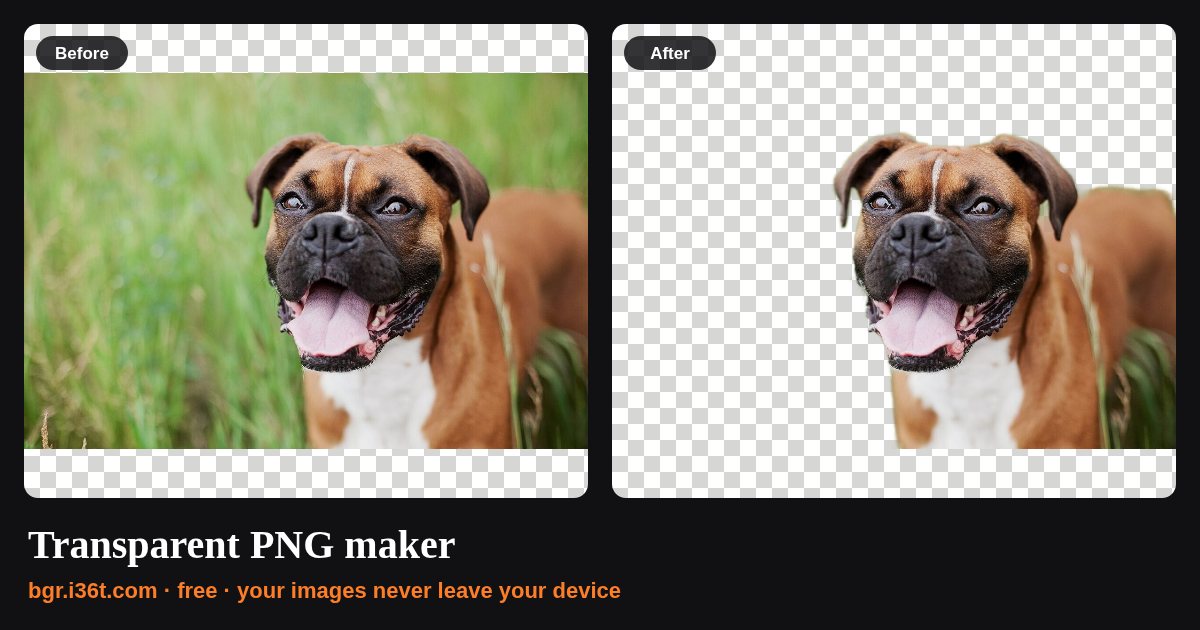
How to use the transparent png maker
- Add your picture.
- The background is removed and the checkerboard shows what is transparent.
- In Size, choose “Trim to subject” and set the padding.
- Download PNG (or WebP for a smaller file).
What people use it for
- Stickers and printed merchandise
- Layering objects in design and video software
- Watermarks and overlays
- Game and app artwork
Tips for a clean result
- WebP keeps transparency and is usually much smaller than PNG.
- Download the mask as well if you want to edit the cut in other software.
- Zoom to 100% before downloading to check the edge.
Which option to choose
| Option | Best for | Watch out for |
|---|---|---|
| PNG | Editing again later, widest support | Larger files for photos |
| WebP | Websites and apps | Some older programs cannot open it |
| JPG | A cut-out on a solid color | No transparency at all |
Private by design
Background Remover does its work inside your browser. Your pictures are not uploaded, stored or seen by us. We record anonymous usage such as which tool was used and the export format. Read the privacy details.
Frequently asked questions
What is a transparent PNG?
A PNG file that records how see-through each pixel is, so whatever sits behind it shows through the empty areas.
Why does my transparent image look white in another app?
Some viewers draw transparency as white. Place it on a colored layer to confirm it is transparent.
Does saving reduce quality?
PNG is lossless, and the export is at your photo's original resolution.
More free tools
Remove background
- Background Remover
- Remove white background
- Remove background from logo
- Signature background remover
- Product photo background remover
- Change background color
- Blur photo background
- Passport photo background
- Remove green screen
- Batch background remover
- Profile picture background remover