
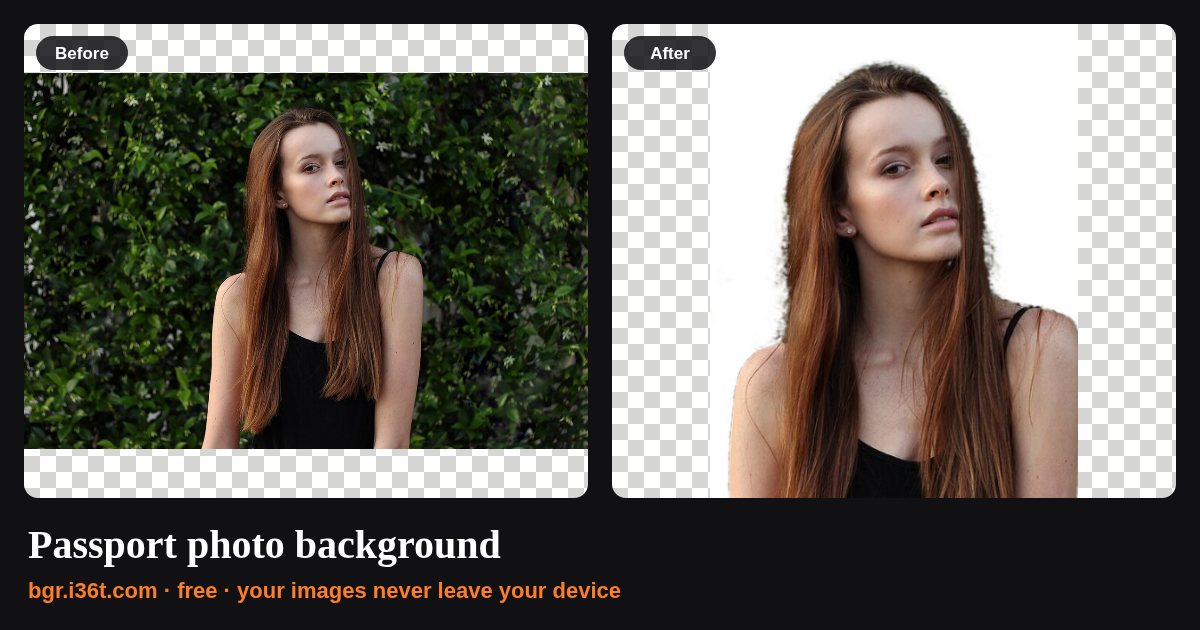
How to use the passport photo background
- Take a straight-on photo with a neutral expression and even light.
- Add it here; the background becomes white.
- Choose the size, then use zoom and position to place the head as your authority requires.
- Change the color in Background if blue is required, and download.
What people use it for
- Visa and residency applications that allow edited backgrounds
- Work, student and membership ID cards
- Exam and job portal uploads
- Printing a set of ID photos
Tips for a clean result
- Some authorities, including the United States for passports, do not accept digitally altered photos. Check before you submit.
- Sizes offered: 2×2 in, 35×45 mm, 50×70 mm, 33×48 mm and 40×60 mm, at 300 dpi.
- Head height and position rules differ by country; this tool does not measure or certify them.
Which option to choose
| Option | Best for | Watch out for |
|---|---|---|
| 2 × 2 in (600 × 600 px) | US visa-style photos | Read the editing rules |
| 35 × 45 mm (413 × 531 px) | Used by the UK, Schengen countries and many others | Head size limits vary |
| 50 × 70 mm (591 × 827 px) | Canadian-style photos | Specific requirements apply |
Private by design
Background Remover does its work inside your browser. Your pictures are not uploaded, stored or seen by us. We record anonymous usage such as which tool was used and the export format. Read the privacy details.
Frequently asked questions
Which background color should I use?
Whatever the issuing office states. White, off-white and light blue are common.
Will my photo be accepted?
We cannot promise that. This tool changes background and size; it does not check compliance.
Is my ID photo uploaded?
No. It is processed only on your device.
More free tools
Remove background
- Background Remover
- Remove white background
- Transparent PNG maker
- Remove background from logo
- Signature background remover
- Product photo background remover
- Change background color
- Blur photo background
- Remove green screen
- Batch background remover
- Profile picture background remover